

What to Expect:
Smarsh is upgrading our existing encryption offering, smarshEncrypt, to an all-new Business Solutions Email Encryption service. All upgrades will be completed over the next few months. Please review this FAQ and stay tuned for updates regarding your company’s upgrade!
There is no planned downtime throughout the upgrade process as services are available immediately as your company’s upgrade begins.
Administrators will be notified of your company’s scheduled upgrade date. Smarsh will also notify individual smarshEncrypt users 2 weeks prior to the upgrade, with reminder notifications occurring 1 week before, the day before, and day of your company’s upgrade.
This FAQ page is intended to help provide transparency and clarity around the upgrade process. If you have further questions or require assistance in preparing for your upgrade, please contact Smarsh Support by creating a case via Smarsh Central.
Encryption Upgrade Administrator FAQ
What will the upgrade process be like?
Smarsh is committed to providing clear and timely communications regarding your company’s email encryption upgrade. Communications regarding your approximate upgrade date, and more details for what to expect, will be sent throughout the upgrade process.
Will my current encryption policies and trigger words be migrated?
All existing smarshEncrypt policies and trigger words will be migrated to Business Solutions Email Encryption as part of the upgrade process. There is no need to reconfigure these policies, patterns, or trigger-words post-upgrade.
Will existing smarshEncrypt portal messages be migrated?
Existing smarshEncrypt portal messages will not be migrated. Administrators and end users will be notified prior to your upgrade date on how to retrieve these messages. Guidance for receivers of smarshEncrypt messages will also be provided. Smarsh recommends this information be provided to receivers of smarshEncrypt messages who utilize the web portal.
What reporting will be available for administrators?
The following reporting will be available for administrators:
- Policy Reports
- Message Reports
- Audit Trail Reports
Further details regarding these reports may be found by visiting our online knowledge base here.
What encryption and message delivery options will be available?
Encryption and message delivery options will include:
- TLS (Transport-Layer Security)
- Smarsh Email Encryption Web Portal
Will outbound routing settings require an update as part of the upgrade?
There is no need to modify existing outbound routing settings as part of the upgrade. These existing routes will be redirected by Smarsh.
How will my experience with my encryption change after the upgrade?
New features for administrators:
- A robust control panel: Easily manage users, configure policies, and manage reporting all from one location, without having to pick up the phone.
- Enhanced support: Dedicated 24/7 email encryption support for administrators, with typical hold times of 60 seconds or less.
- Email encryption that is always up and running: Our Business Solutions Email Encryption includes 99.999% service availability.
How will I know it is time for my upgrade?
Communications regarding your approximate upgrade date and more details for what to expect, will be sent to administrators in advance of the upgrade. Smarsh will also notify individual smarshEncrypt users 2 weeks prior to the upgrade, along with reminder notifications occurring 1 week before, the day before, and on the day your company’s upgrade is set to begin.
Will my Smarsh archiving services be impacted?
There will be no changes to your Smarsh archiving. Your Smarsh Email Encryption services will continue to seamlessly integrate with your current archive.
Will I continue to contact Smarsh for support or questions after the upgrade?
After the upgrade, named administrators will utilize the same phone number to reach Support. For expedited support when calling, please enter your CID number followed by the pound sign and select option 2. The Business Solutions Email Encryption Upgrade also enables direct options in your new control panel to contact Support.
Will my level of support change?
After the upgrade, only named administrators will be eligible to receive live support. End users may continue to utilize our online knowledge base.
Can I pick my own upgrade date?
Due to volume and technical complexity, Smarsh is unable to accommodate account-specific scheduling requests.
Can I opt out?
No. All smarshEncrypt accounts will be upgraded to Business Solutions Email Encryption. The historical smarshEncrypt product will no longer be offered for new or existing customers.
Will there be any change to my invoice?
Here at Smarsh, no two customers are the same. With the upgrade in service, you may see an adjustment in the rate associated with email encryption. This change will be dependent on the terms of your current agreement.
Who do I contact if I have additional questions?
If you have any other questions prior to migration, please contact Smarsh Support by visiting Smarsh Central.
Additional resources including knowledge base articles, user guides, and videos may be found by visiting our knowledge base.
Administrator Instructional Videos
How to Access the Encryption Control Panel
How to Configure a Basic Encryption Policy
End User Communications
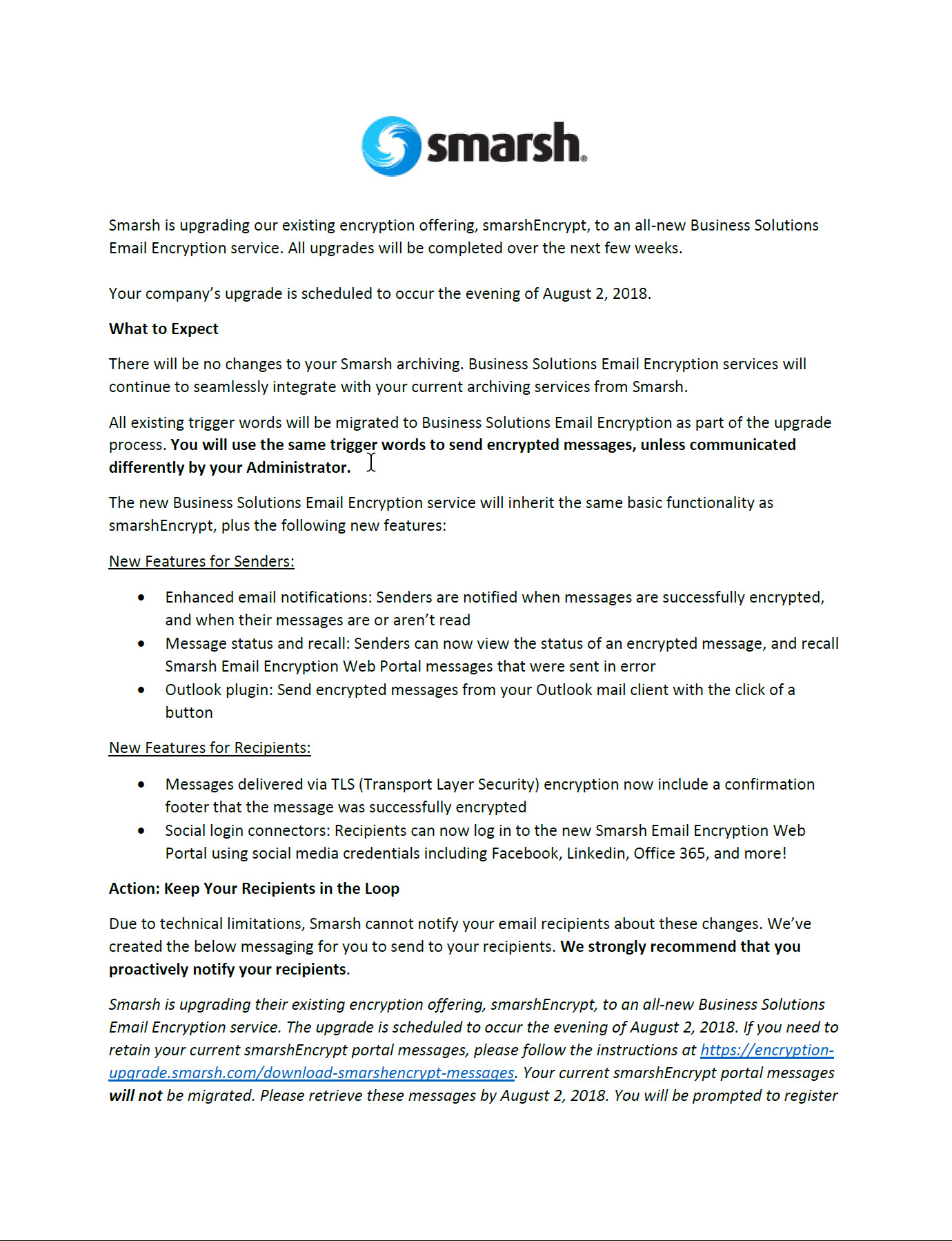
End User 2 Week Notice

End User 1 Week Reminder
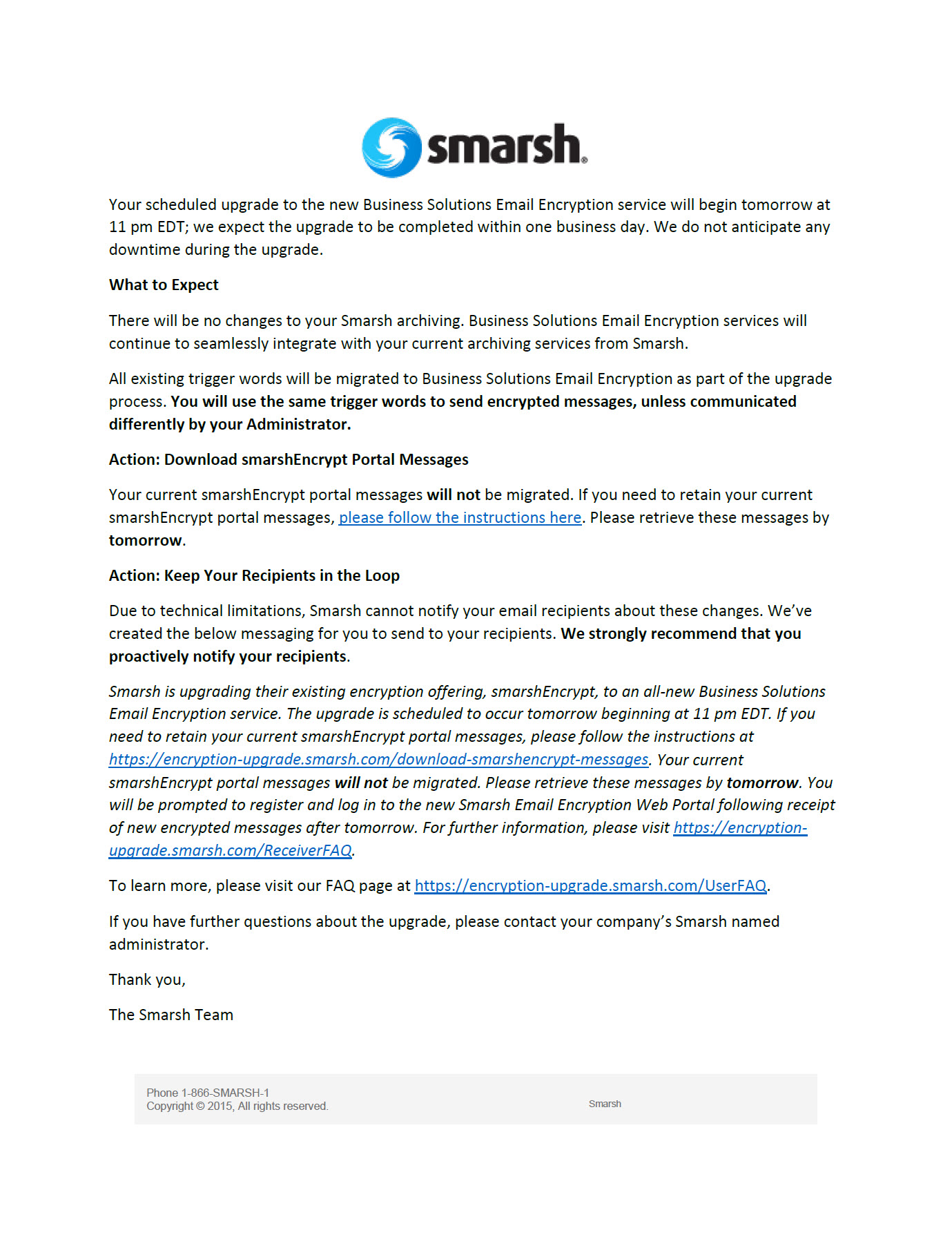
End User Day Before Reminder
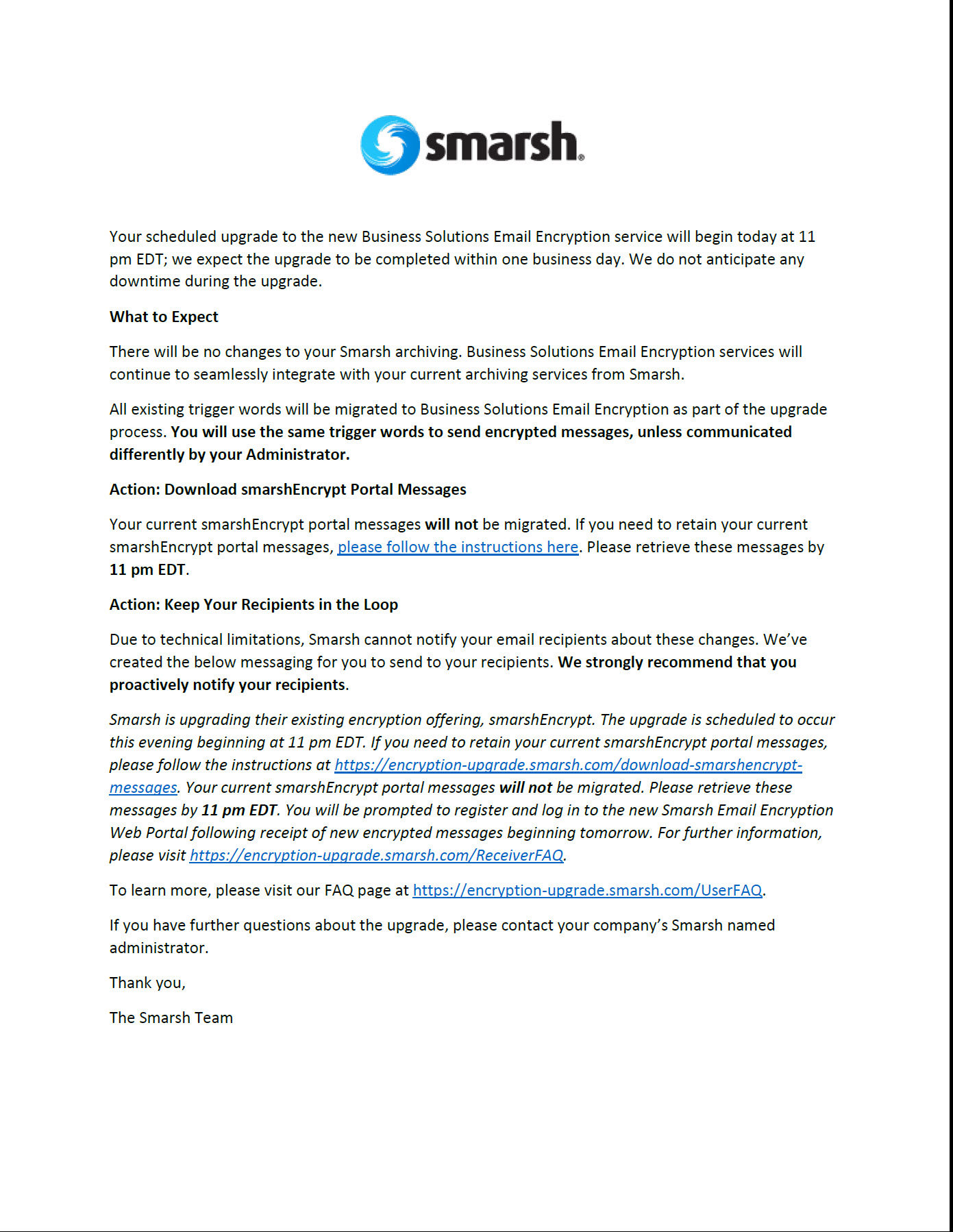
End User Day Of Notice

End User Day After Notice
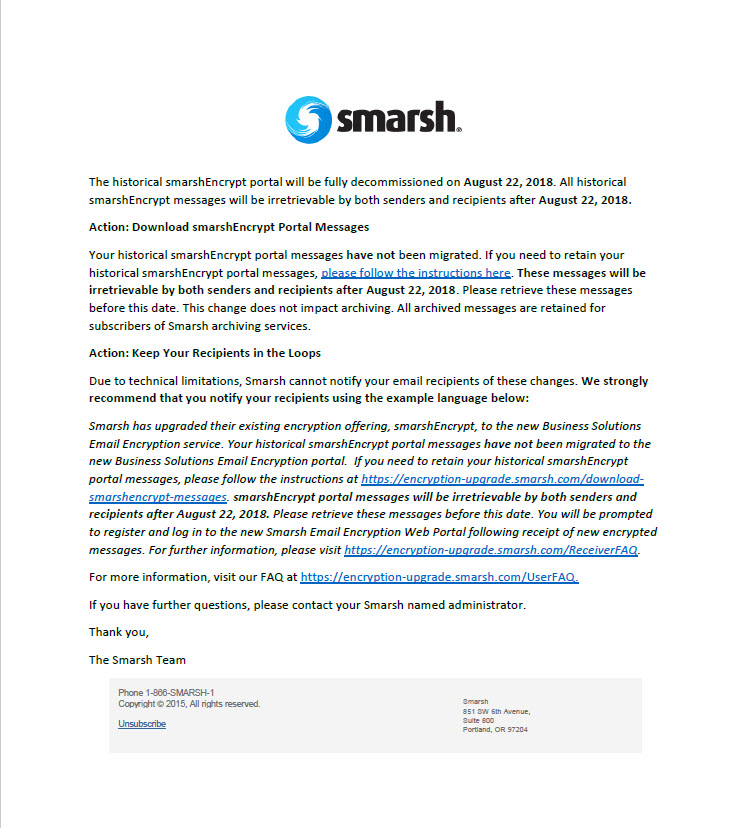
Action: Download smarshEncrypt Portal Messages
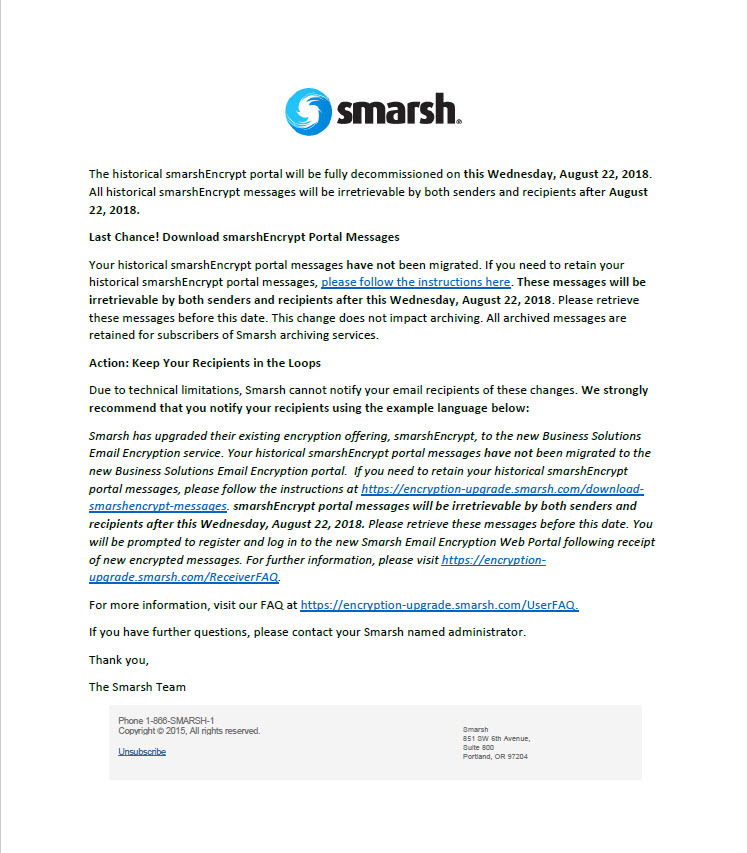
Last Chance! Download smarshEncrypt Portal Messages